 FleetSQL
  FleetTAB
  FleetAI
  Ecodriving
  Maintenance
  Fleet Config
  Logbook
  Utilization
  Merger
  Routly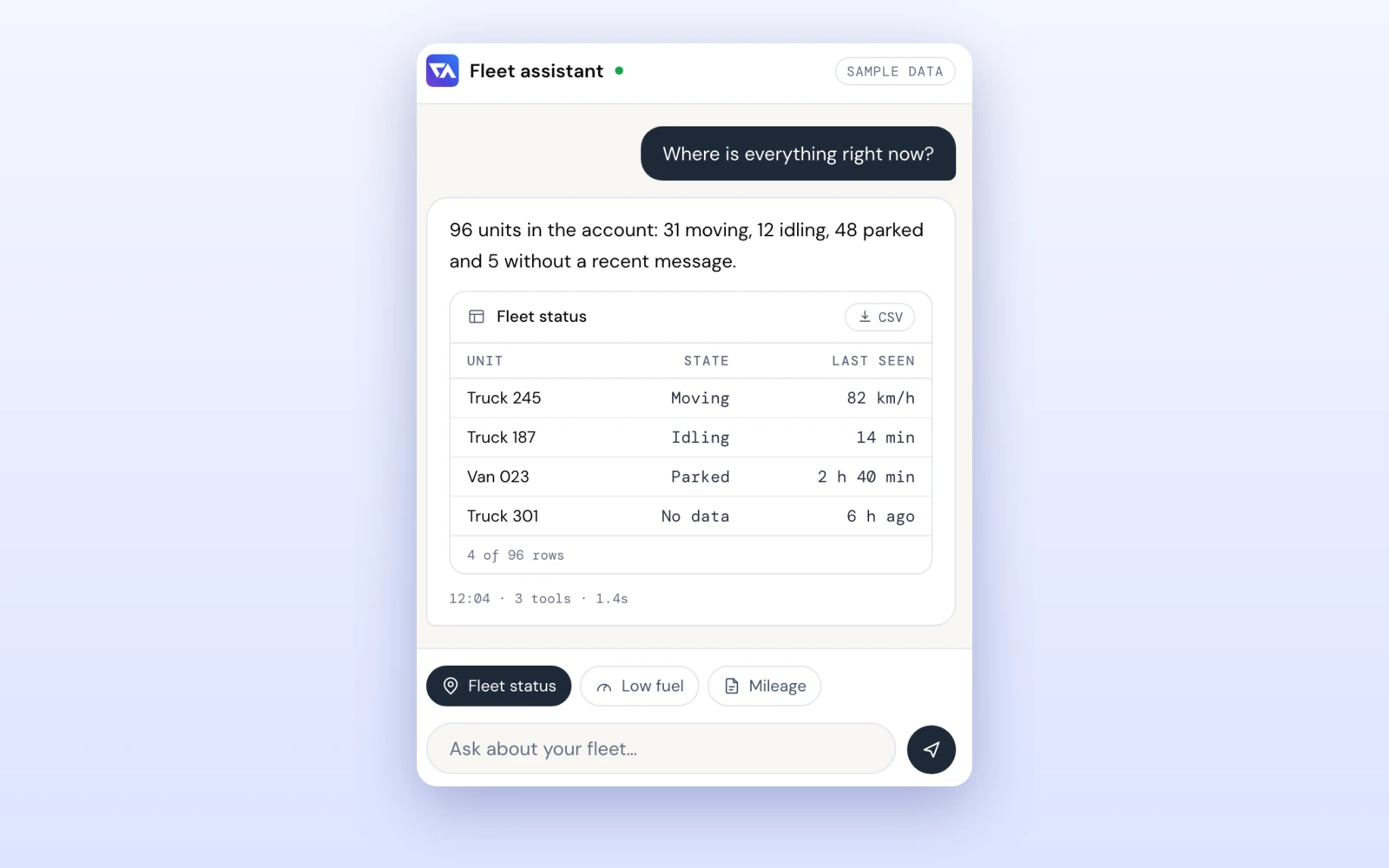
FleetAI: Chat With Wialon, Plus an MCP Server
Ask your Wialon fleet in plain words and get a table, map or PDF back. FleetAI is also an MCP server and skill for Claude Code, Codex and Cursor.
Read moreFleetAI is a chat app for your own Wialon account. Paste your access token and ask about positions, trips, fuel, drivers and reports — the answer comes back as a table, a chart, a map or a PDF. The same tools are also an MCP server with a skill, so Claude Code, Codex, Cursor or Claude Desktop can read your fleet where you already work.
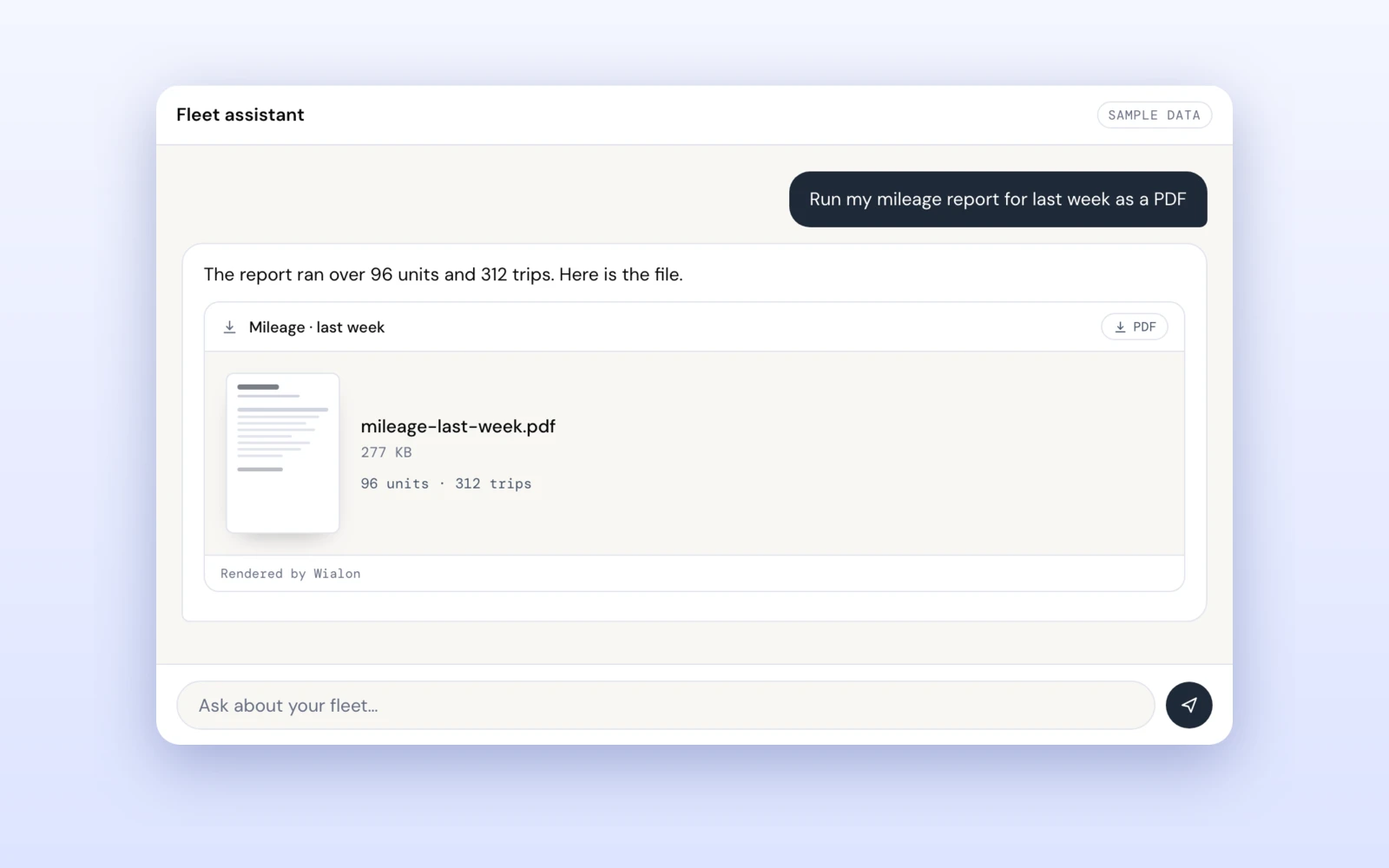
Last week's mileage as a PDF is a report template, a unit or group, an interval, an execute and an export — and the same again next week for the other group. It is one sentence to a person and a session to a dashboard.
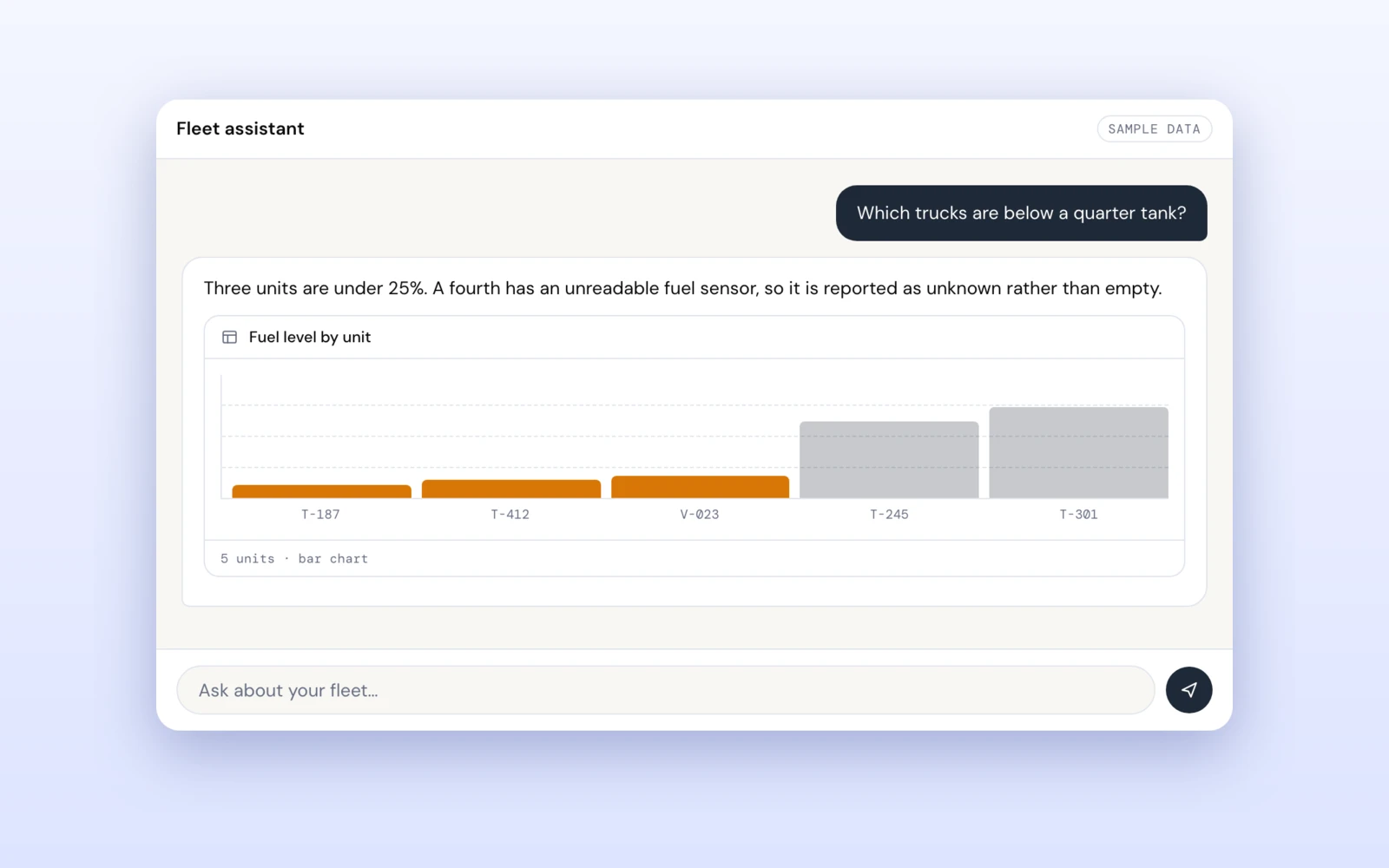
Give a general-purpose agent raw access and it will read a speed recorded in April as a moving truck, treat an unreadable fuel sensor as an empty tank and work out "last 7 days" itself. Reach is the easy half; what the numbers mean is the half that makes an answer right.
Paste your Wialon access token and ask about units, trips, fuel, drivers, geofences, notifications and reports. There is no sign-up and it is free; the model is Google Gemini, with your own key.
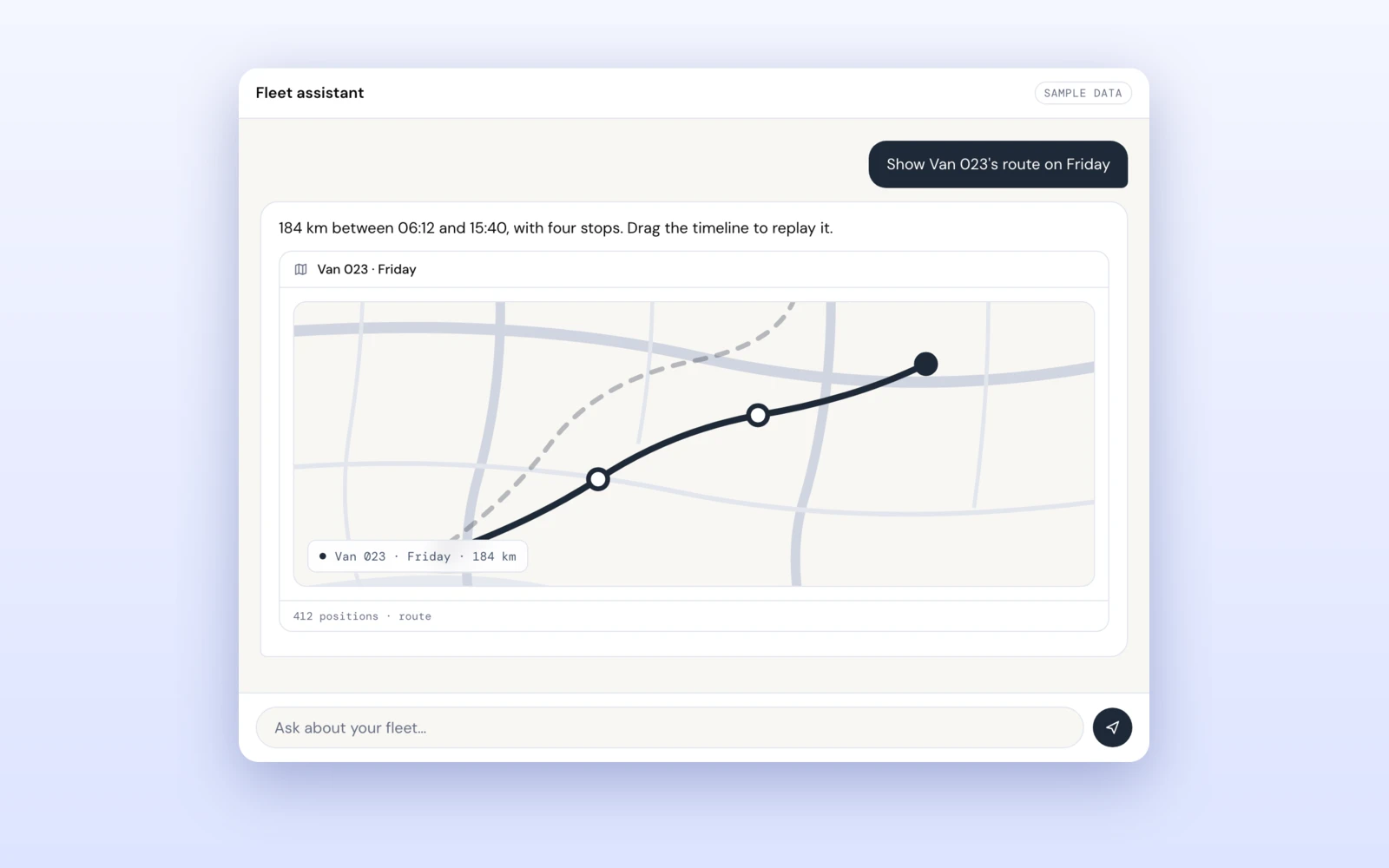
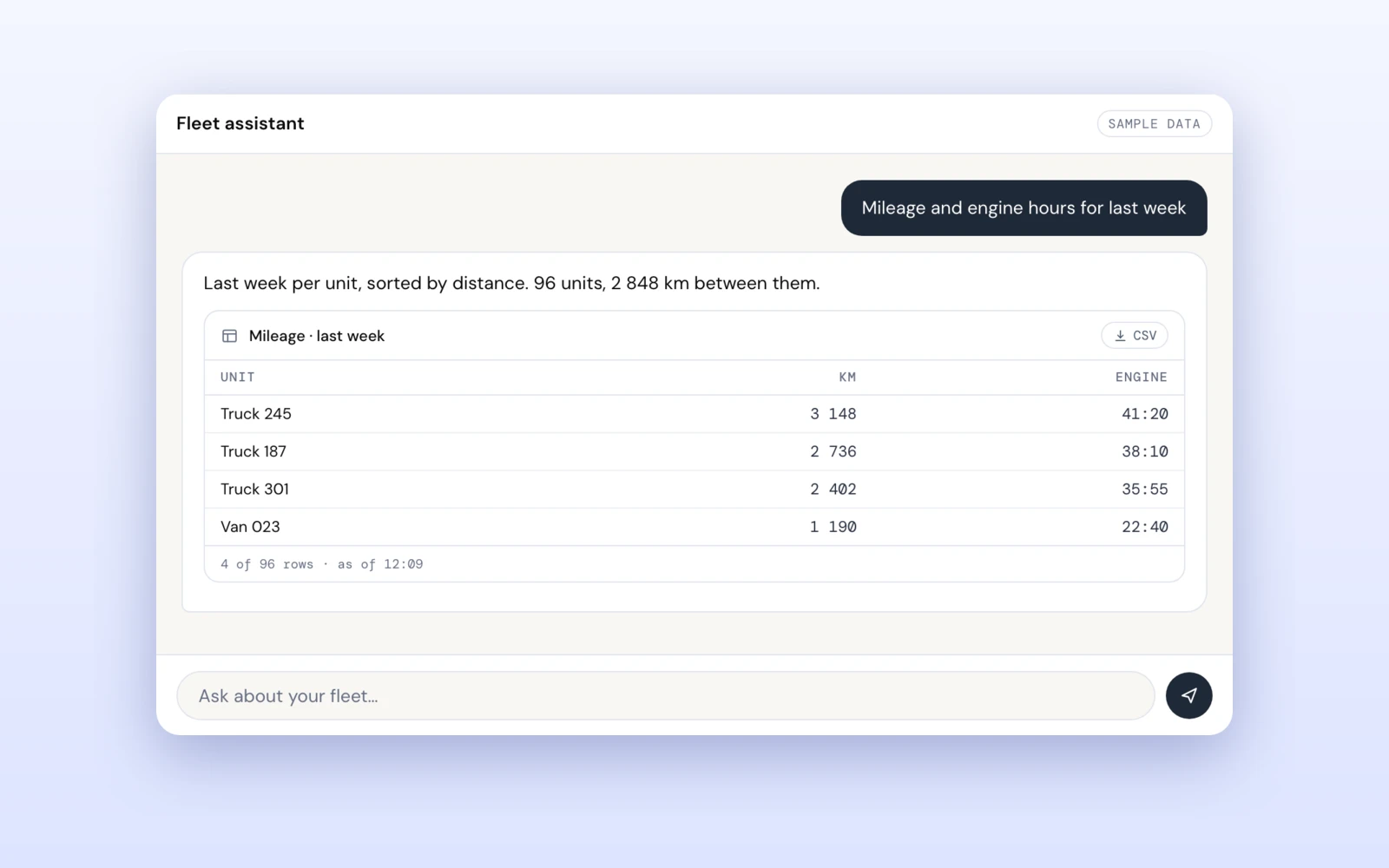
A table that saves as CSV, a chart drawn from its rows, a map for a route, or a PDF or Excel file rendered by Wialon itself — the same document its own Export button produces.
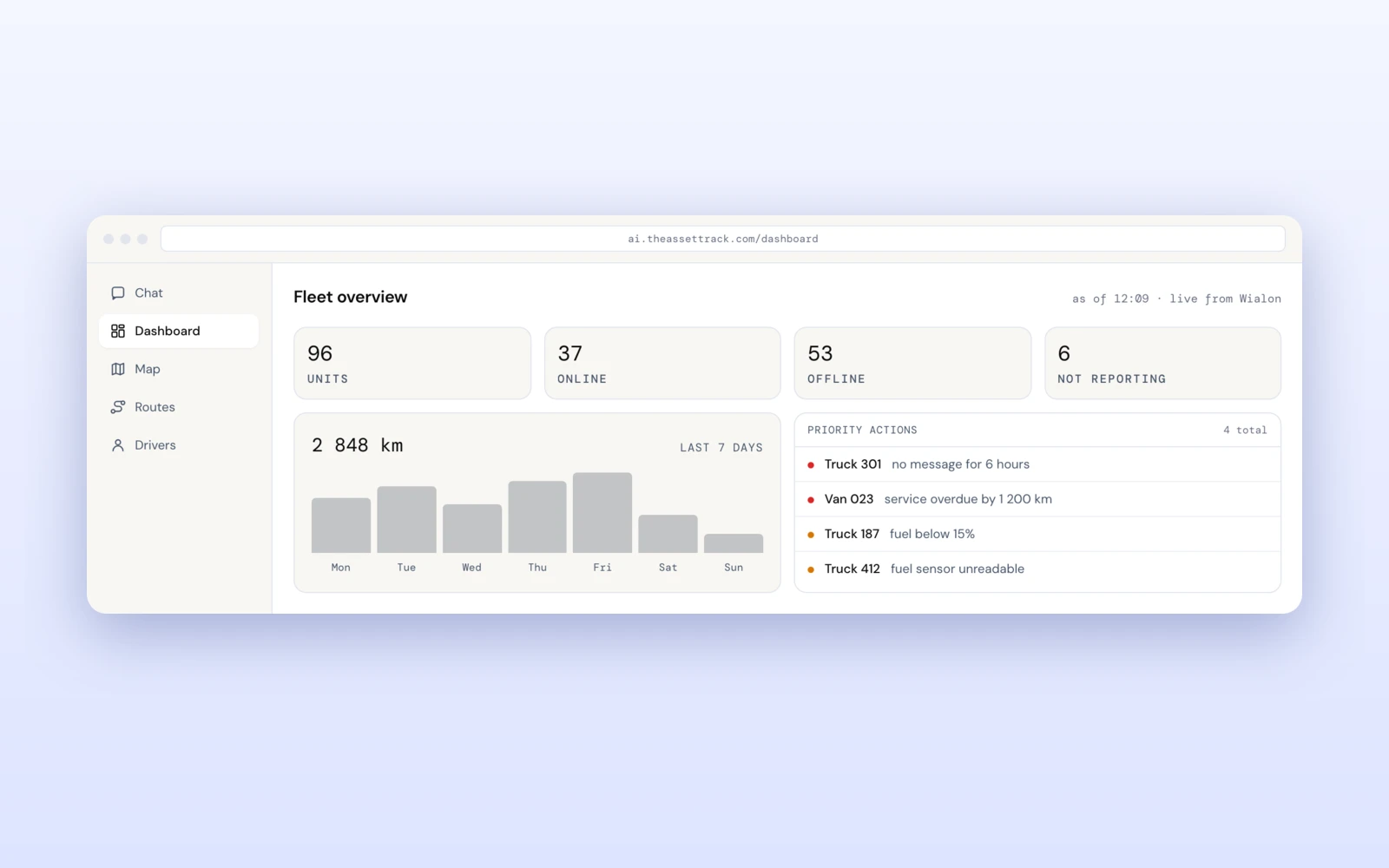
A live dashboard, map, routes and drivers sit beside it, and an answer is a door into them: ask where a van is and open it on the map with that van already picked out.
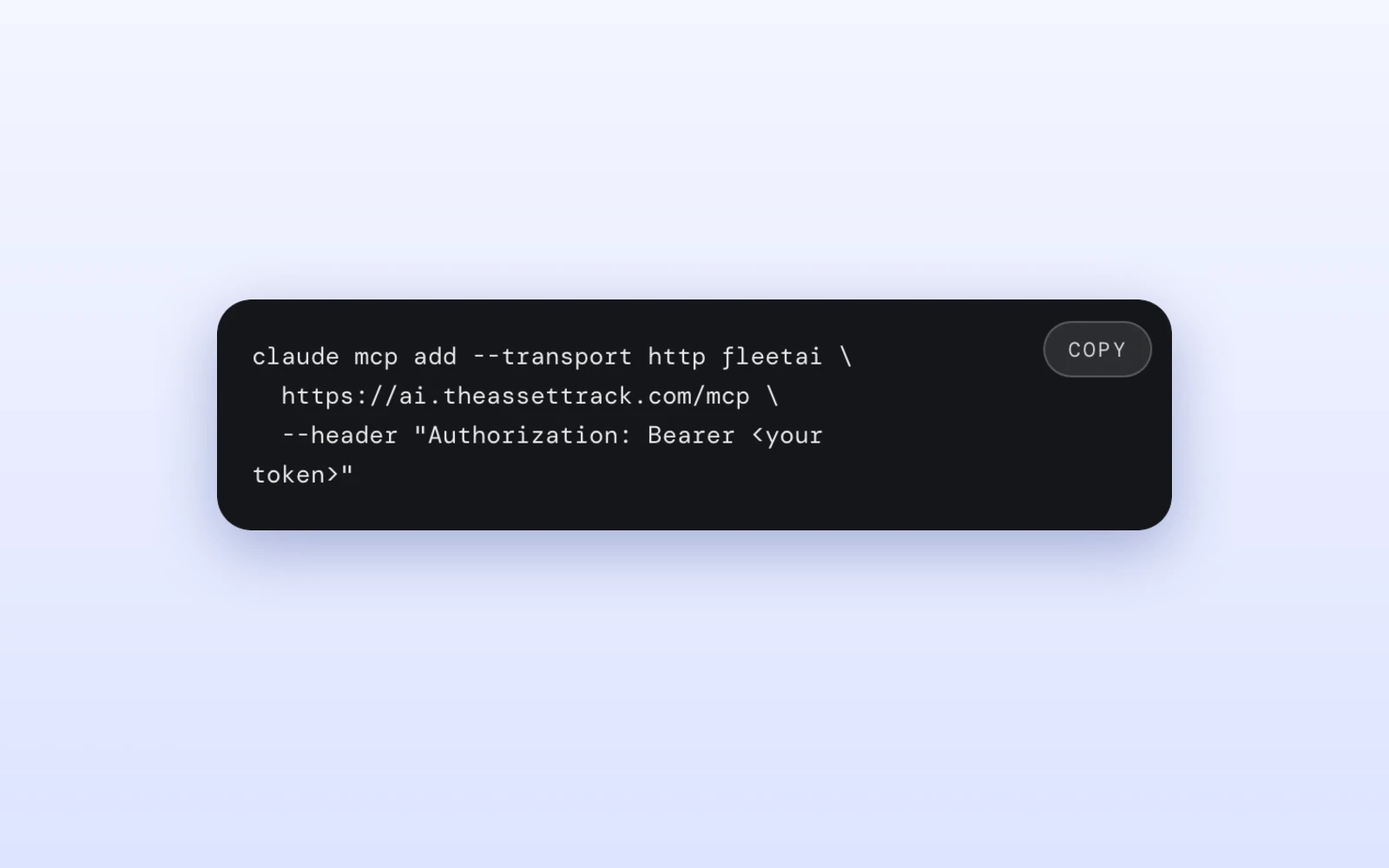
The same thirteen tools over MCP. Point Claude Code, Codex, Cursor or Claude Desktop at one URL with your token in a header and ask about the fleet from the editor you already have open.
The server hands the agent its skill when the client connects: which tool answers what, and the rules that decide whether an answer is right — how old a position is, that null means nobody measured it, that a relative date belongs to the tool. Nothing to install or keep up to date.
Nothing in the tool set creates, edits or deletes anything in your account. The token is never stored or logged and is stripped from every answer before it reaches the model; delete it in Wialon and every app and agent holding it is locked out the same second.
The same two numbers the homepage states: free on the Wialon Marketplace under our name, $500 a month per application under your brand.
Free
The chat app, the MCP server and the skill, at no charge. You bring your own Wialon account and your own Gemini API key.
Ask what yours would costThere is no account to create. You need an access token from your own Wialon user settings — you choose what it may reach and how long it lives — and, for the chat app, a free Gemini API key from Google AI Studio.
A Wialon account with an access token from it, and a Google Gemini API key — Google gives one away free in AI Studio, and it goes into the app's settings once. There is no sign-up form, no password to choose and no card to enter.
No. It reads units, sensors, trips, drivers, geofences and notification settings, and it runs reports. It never creates, edits or deletes anything in your account.
No. In the chat app the token stays in your browser and passes through our relay only on its way to Wialon, and chat history lives in your browser's local storage. Over MCP the token travels in the header of each request to our worker, which holds it in memory only to call Wialon and never stores or logs it. There is no database on our side.
In the chat app it is Google Gemini, called by your browser with your own API key, so your question and the fleet data needed to answer it go to Google under the Gemini API terms. Over MCP it is whichever model your client runs.
It lets an AI agent — Claude Code, Codex, Cursor, Claude Desktop — read your Wialon account as a tool, so a question about the fleet can be asked from the editor you already have open. It exposes thirteen tools: twelve answer fleet questions directly, and the thirteenth is one door to nineteen more Wialon operations.
Tools are reach; the skill is judgement. It tells the agent which tool answers which question and the rules that make an answer right: how old a position is before it counts as current, that null means nobody measured it, that a relative date belongs to the tool, and that a report runs and exports in one call. The server delivers it as instructions when the client connects, so there is nothing to install or keep up to date.
Wialon only, on the com, eu and us Hosting data centres. A token is minted at one data centre and is meaningless at the others, so the region is the first thing to check when nothing authenticates. Other platforms are not supported today.
Nothing from us. You bring your own Wialon account and your own Gemini API key, which Google offers free in AI Studio.
Ask your Wialon fleet in plain words and get a table, map or PDF back. FleetAI is also an MCP server and skill for Claude Code, Codex and Cursor.
Read moreA modern Python client for the Wialon Remote API: login, search, live events with avl_evts — plus which libraries are alive and which died in 2013.
Read moreConnect Wialon trips, odometers and fuel to Odoo: field ownership, a queue between the APIs, nightly reconciliation. From $500, quoted upfront.
Read more“Our client needed a data pipeline. It came back working, plus a few Wialon fixes we had not asked for. That client trusts us more now.”
 Faiz K. Customer Manager · Trakpro Limited


